


Smart Promos creates optimized financing estimates with a single click. It applies the right promotions and costs automatically, giving your customer multiple payment options to choose from.

Introducing Smart Promos
Smart Promos is our newest in-platform feature that instantly creates three quotes for your customer to choose from. Using the most relevant Financeit promotions, your preferred dealer cost, and the project price, you can present the most suitable monthly payment options to your customers in seconds.
|
How to Use Smart Promos:
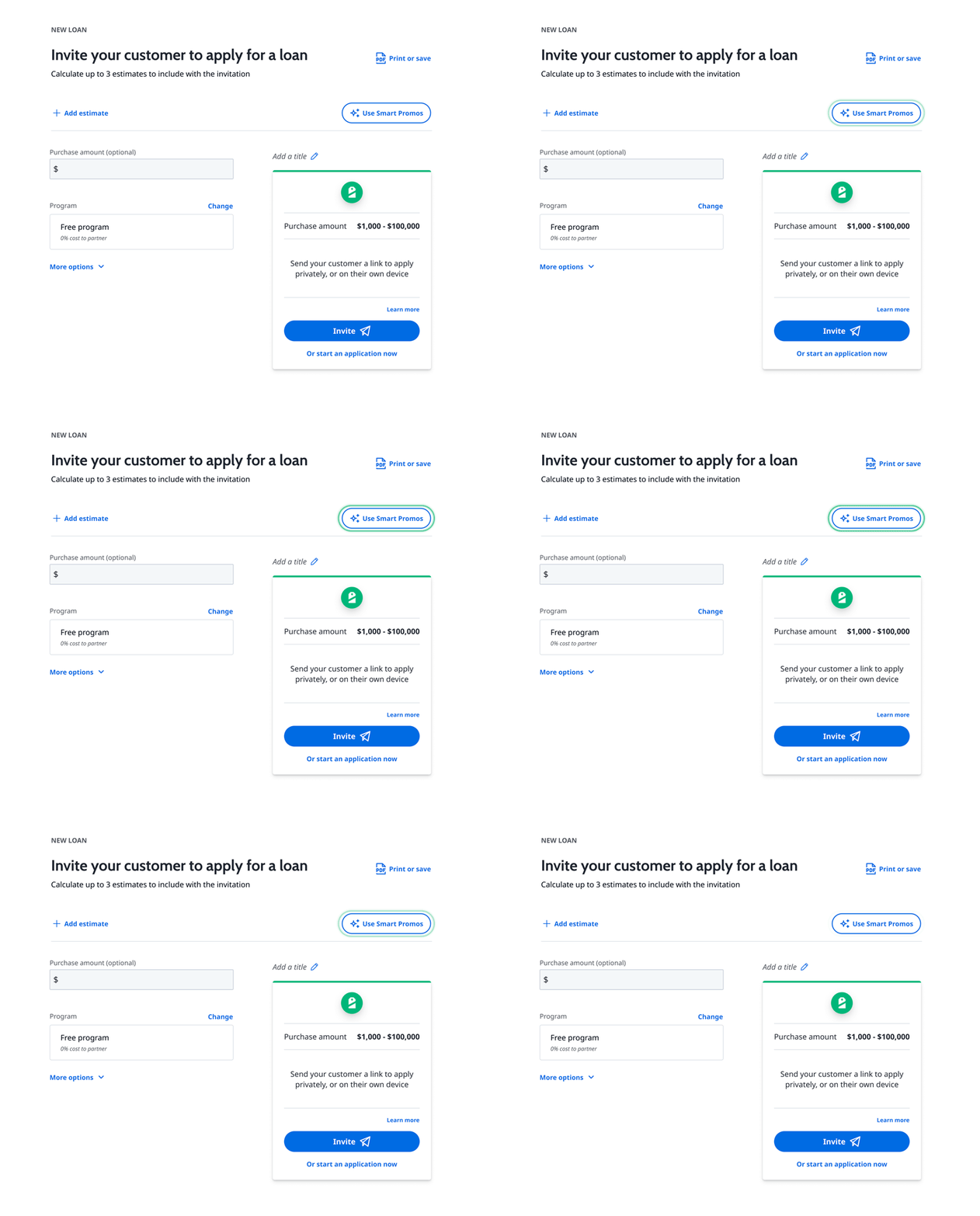
- Log in to your account in the Partner Portal
- Navigate to Calculate & Apply
- Choose Use Smart Promos
- Select your maximum partner fee
- Enter the purchase amount (optional)
- Click Create Your Estimates
- Choose Invite to all to send the estimates to your customer
How to Set Your Account Preferences:
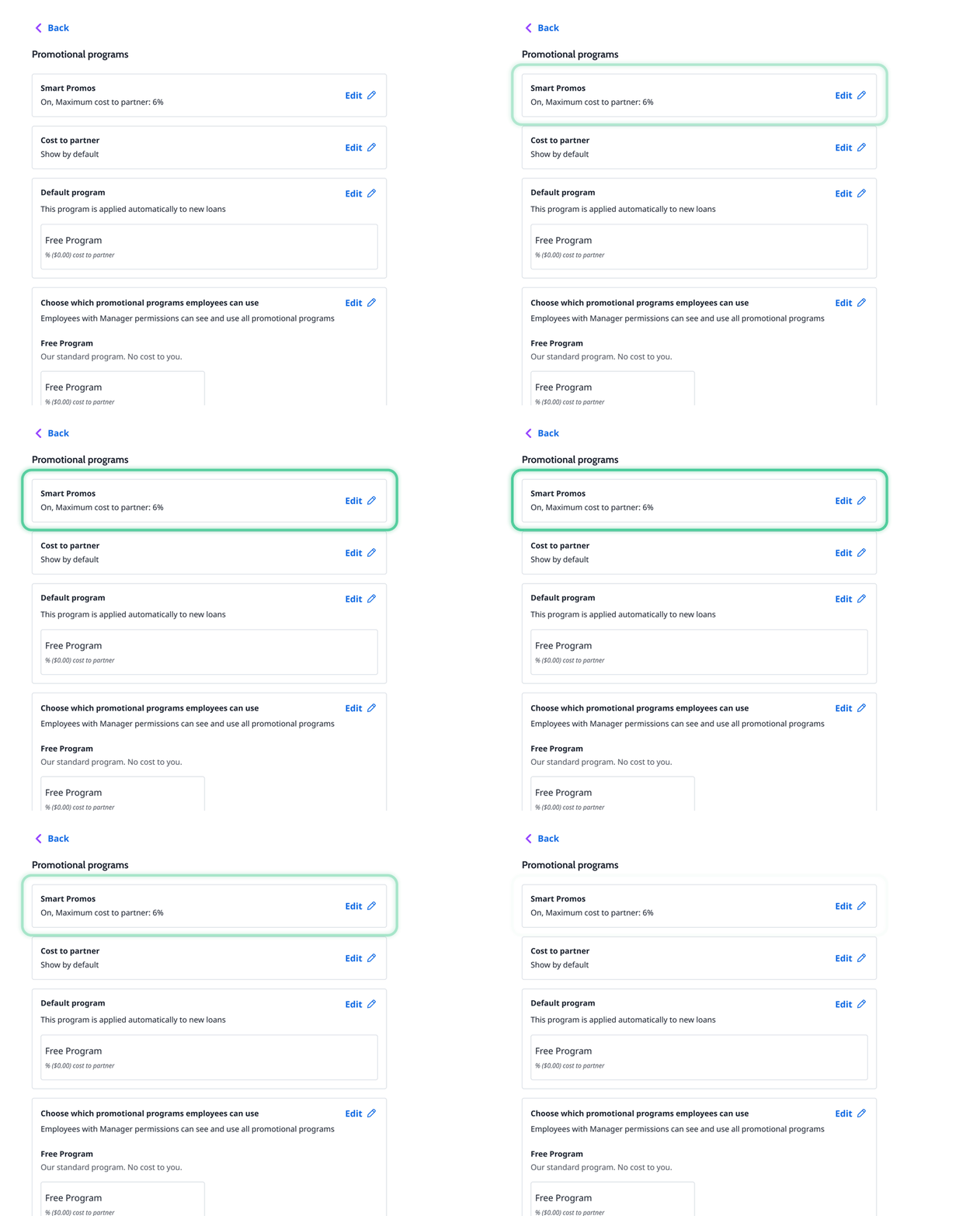
Set a standard partner fee for all employees, or customize it per application.
This is a set it and forget it setting (Manager access only; Applies to all employees)
- Go to Settings and select Promotional Programs
- Open Smart Promos and toggle it on or off
- Choose whether to use Smart Promos by default (Yes or No)
- Select the maximum cost to partner (This will apply to all employees using Smart Promos)
- Save your changes
 Maximize Every Quote Automatically build fast, optimized quotes using the most relevant Financeit promotions – balancing customer affordability and dealer costs. |
 Save Time, Sell More Eliminate manual quoting and move from conversation to application faster. |
 Empower Confident Decisions Present clear, tailored payment options that build trust and help customers say “yes”. |
 Protect Your Margins Get consistent pricing every time. Smart Promos automatically applies the right promotions and costs to help you stay profitable on every job. |
Start quoting smarter today.
|
Who should use Smart Promos?Smart promos is built for teams that want to move faster. This includes:
Who can manage the Smart Promos settings?Smart Promos settings are manager-controlled. Changes apply to all employees to ensure consistent quoting and pricing. |
Can I adjust the partner fee per application?Yes. You can set a standard partner fee for all employees or adjust the partner fee on a per-application basis—your choice. How does Smart Promos help my margins?Smart Promos is designed to protect your margins by applying the right promotions and dealer costs automatically to every quote. What do customers see?Customers are presented with up to three clear financing options with affordable monthly payments, making it easier for them to compare and choose what works best for their budget. Is there an additional cost to use Smart Promos?No, Smart Promos is included as part of your existing Financeit access. |
® ”Financeit” is a registered trademark of CommunityLend Holdings Inc. All rights reserved.